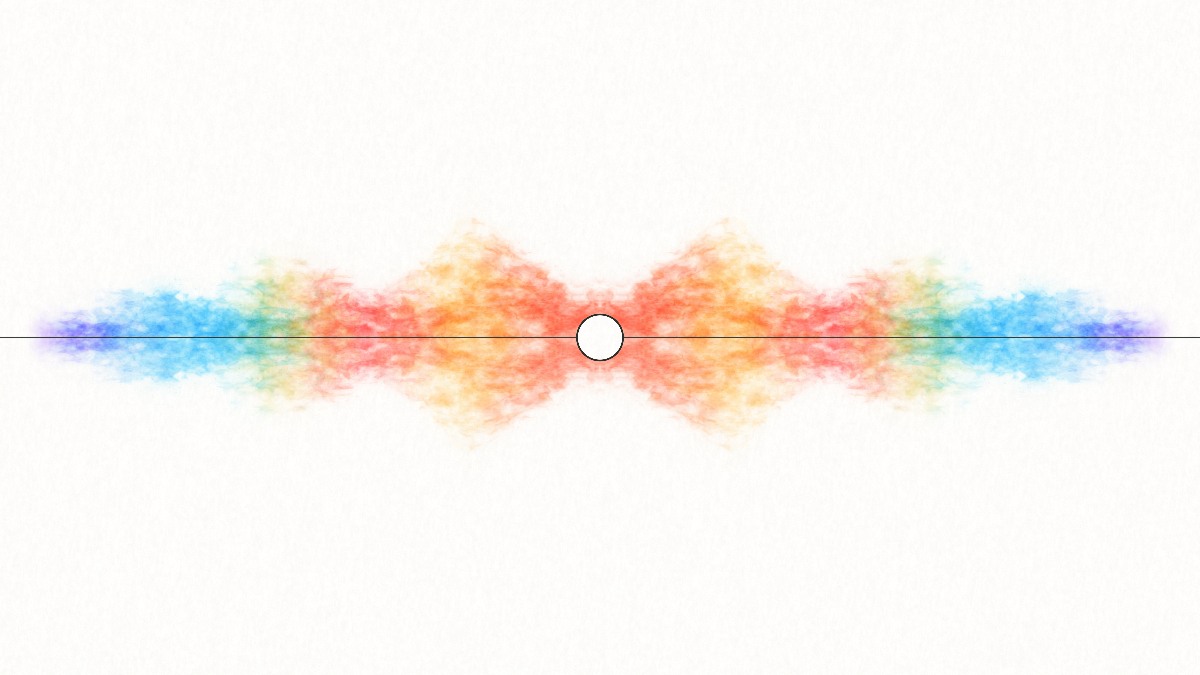
Soft washes, bleeding pigment, and paper grain. Your frequencies become a painting that keeps finding new colors.
You made the track. Give it a world. Create distinctive music visuals with watercolor, fire, cosmic clouds, and glowing 3D scenes.
Free · No watermark · No signup
Create your visuals New: glowing mushroomsChoose a visual world for your next release, beat, or work in progress. Each studio reacts to your track and gives you room to make the look your own.
Soft washes, bleeding pigment, and paper grain. Your frequencies become a painting that keeps finding new colors.
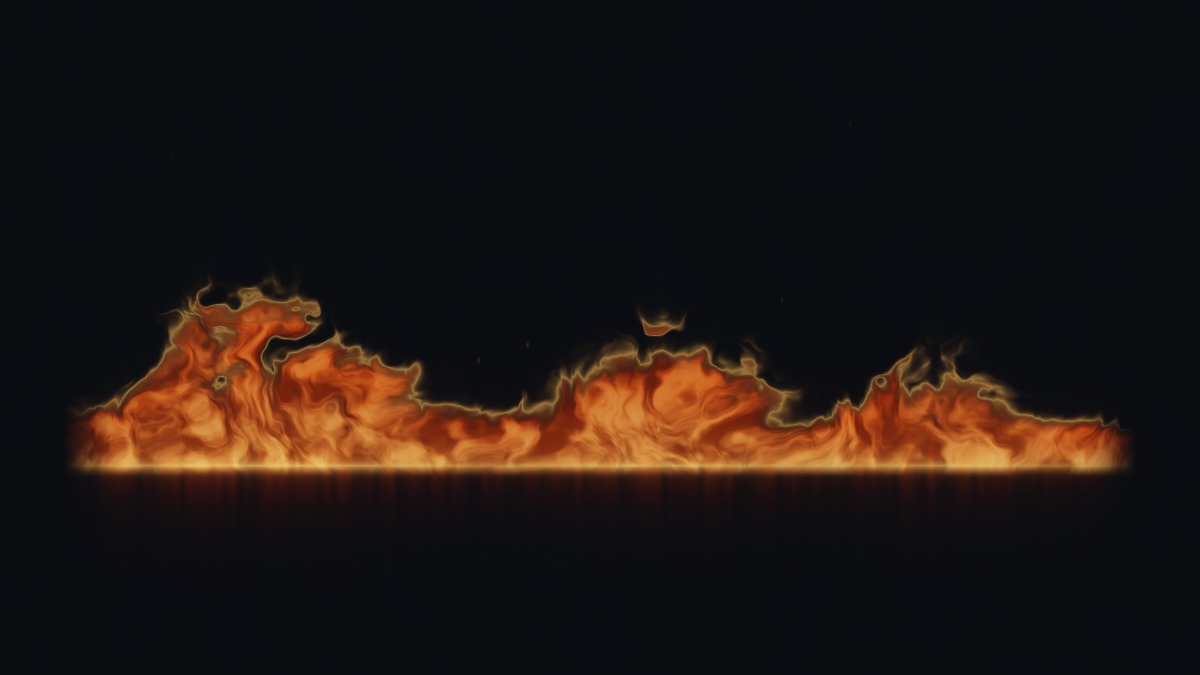
An ember seam comes to life. Curling flames, luminous edges, and rising sparks trace the energy of your music.
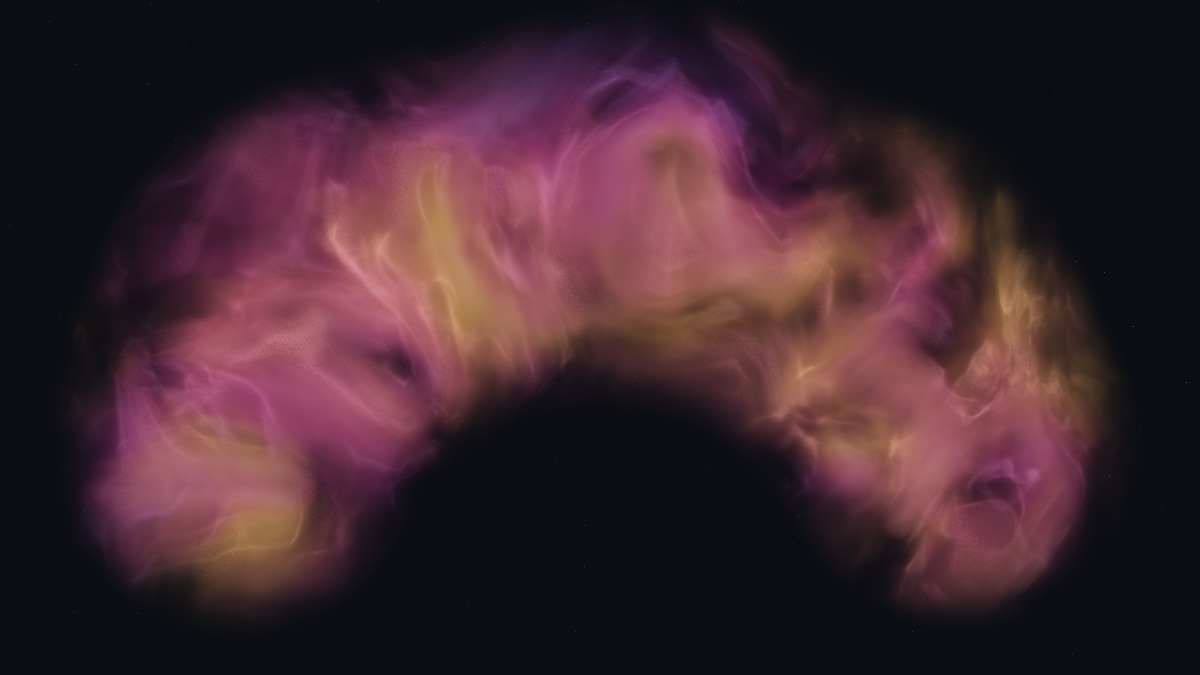
Drift into luminous gas and deep dust clouds. Let the music reveal wisps and filaments hidden within the nebula.
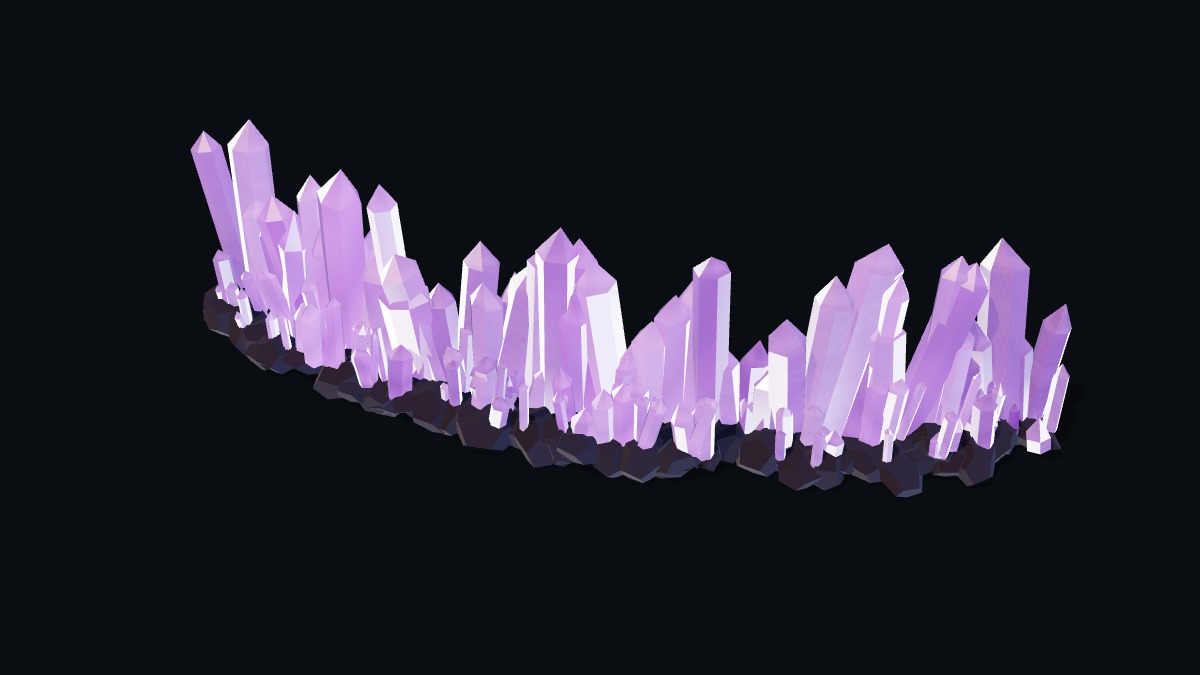
A mineral garden shaped by sound. Faceted 3D crystals rise and recede as light moves across their surfaces.
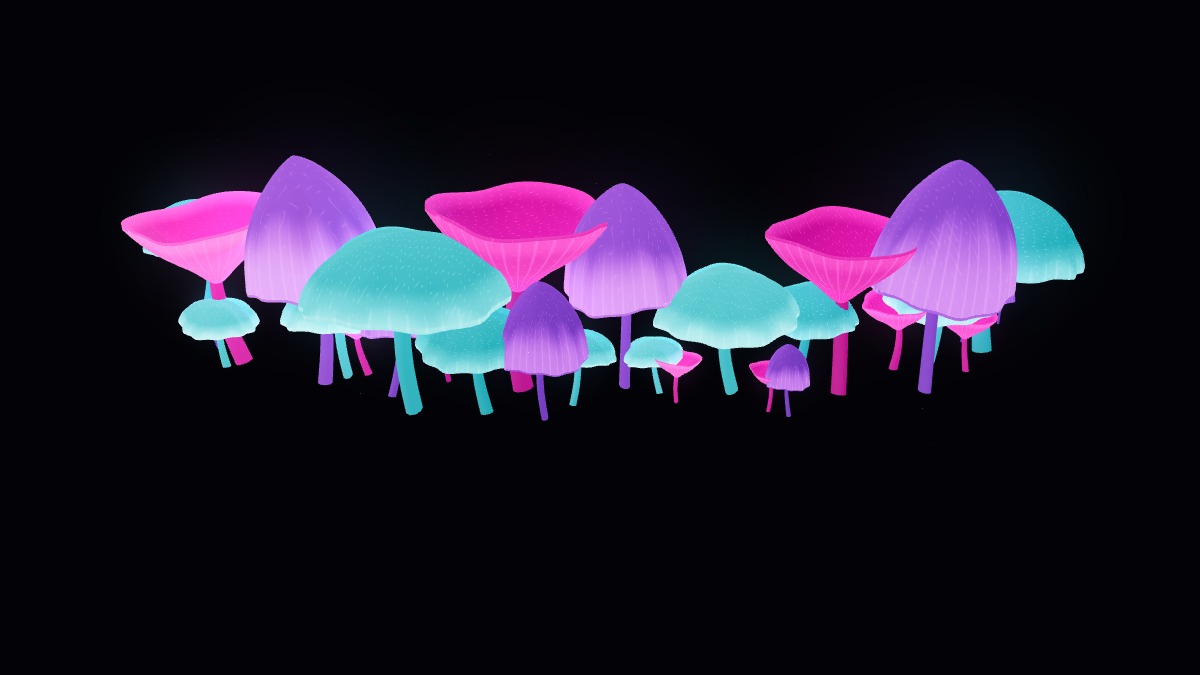
A small forest with a pulse. Sculpted caps and delicate gills glow to their own notes, with neon colors lighting up the dark.
You made the sound.
Give it a world
that feels like yours.
Open your own track, choose a visual style, and make it yours. Export for your next release, a beat preview, or a social post. Free, with no watermark or account.
Open your finished mix, a beat, or a work in progress. Choose the material that fits its mood, or try an included example to explore.
Shape the palette, movement, and materials around your music. Add your artist name, track title, and cover artwork to complete the composition.
Save a PNG or export a full-track MP4 in landscape or portrait for your release and social posts. Free, watermark-free downloads on supported browsers.
Yes. All five studios are free to use, with no signup. Your PNG and MP4 downloads have no aquarellEQ watermark or logo added.
A music visualizer turns changes in sound into moving images. aquarellEQ analyzes the frequencies in your track and uses them to animate pigment, flames, gas, crystal formations, or glowing mushrooms in real time.
No. Audio and video you open are decoded and analyzed on your device. Video export also happens locally in your browser. Example tracks download only when you choose one.
Yes. Open your own audio or video file. In Studio settings, use Text & background to add your track title, artist name, and cover artwork. Your composition is included in saved images and exported videos.
Yes. Choose a landscape 1920 × 1080 or portrait 1080 × 1920 MP4 export. Export needs a browser with H.264 and AAC encoding support. Use music and images you have permission to share.
The studios adapt to smaller screens and require WebGL 2 with hardware acceleration. Preview performance and video export support depend on your browser and device; detailed scenes such as Nebula may benefit from a lower quality setting.